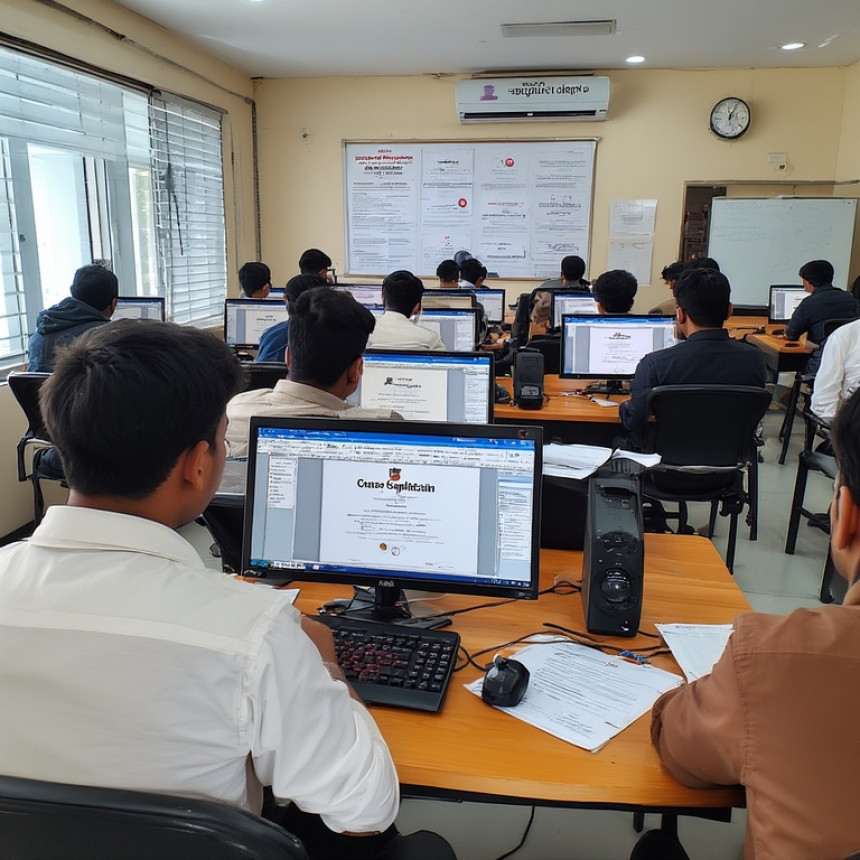

Microsoft Word + Tally Prime: Build Practical Training Assessments
Discover how to combine Microsoft Word and Tally Prime to build practical training assessments. Learn how to convert accounting data into meaningful questions and exercises. This guide covers formatting techniques, content planning, and AI-powered assistance. At AI Computer Classes Indore, learners develop hands-on skills in creating professional assessments for training and education. Improve your ability to design clear, structured documents that evaluate real-world skills effectively. Start building assessments that enhance learning outcomes and professional development.
Design Training Assessments in Word — Step-by-Step with Tally Prime. Get practical lessons and hands-on examples at AIComputerClasses in Indore to master computer & office skills quickly. Follow practical exercises and tool-based examples to learn rapidly. Includes references to tools like ChatGPT, Power BI, Excel, Figma, or Python where appropriate. This article from AIComputerClasses Indore breaks down design training assessments in Word — step-by-step with Tally Prime into actionable steps.
📄 Design Training Assessments in Word — Step-by-Step with Tally Prime
Creating training assessments is a key part of employee learning and professional development. Using Microsoft Word in combination with Tally Prime allows instructors and trainers to design structured, practical, and interactive assessments that are easy to distribute and track. In 2025, blending traditional office tools with digital accounting and AI guidance makes assessment design efficient, accurate, and engaging. At AI Computer Classes – Indore, learners gain hands-on experience designing professional training assessments for workplace or educational use.
With a structured workflow, beginners and working professionals can prepare assessments that evaluate skills effectively while saving time and improving content clarity.
🎯 Why Design Training Assessments?
Well-designed assessments help:
- Evaluate learners’ understanding of concepts practically
- Identify strengths and areas for improvement
- Maintain consistent training standards
- Track progress and certification readiness
💡 Learn from Experts at AI Computer Classes – Indore!
Master Microsoft Word, Tally Prime, and office productivity skills with practical exercises.
👉 Join our latest batch now at AI Computer Classes
📍 Located in Old Palasia, Indore
🛠️ Step 1: Plan Your Assessment Structure
Before designing in Word:
- Define learning objectives for the assessment
- Decide on question types: multiple-choice, short answer, or practical exercises
- Use Tally Prime as a reference for accounting or financial questions
- Create a flowchart or outline in Word to organize the assessment
Planning ensures a smooth and professional assessment layout.
✍️ Step 2: Create the Assessment in Word
Word offers tools to design clean, structured assessments:
- Use tables to organize questions and answer spaces
- Apply headings and numbering for clarity
- Insert form fields for interactive answers
- Include instructions and scoring rubrics for each section
Proper formatting improves readability and usability for trainees.
📊 Step 3: Integrate Tally Prime Content
For finance and accounting assessments:
- Extract example transactions, ledgers, or reports from Tally Prime
- Convert real data into practical exercises for learners
- Include screenshots or snippets from Tally Prime for reference
- Use Tally-generated figures to create problem-solving questions
Integrating Tally content ensures assessments are practical and aligned with real-world scenarios.
🤖 Step 4: Enhance with AI Assistance
ChatGPT can simplify assessment design:
- Generate question templates based on learning objectives
- Suggest alternative phrasing for clarity
- Provide grading guidelines or answer keys
- Automate repetitive formatting tasks in Word
Example prompt: “Create 10 multiple-choice questions based on Tally Prime ledger transactions for beginners.”
💡 Hands-On Learning at AI Computer Classes – Indore!
Practice creating interactive assessments and automate content using AI tools.
👉 Secure your seat at AI Computer Classes
📍 Old Palasia, Indore
⚡ Step 5: Review, Test, and Distribute
Before finalizing assessments:
- Proofread content for accuracy and clarity
- Test form fields and interactive elements in Word
- Validate Tally Prime data and answers
- Export as PDF for secure distribution or print for classroom use
Thorough review ensures professional-quality assessments.
🌟 Conclusion: Design Assessments Confidently
Designing training assessments in Word using Tally Prime combines structure, practicality, and interactivity. By following step-by-step procedures, integrating real-world data, and leveraging AI-assisted tools, learners and professionals can create effective assessments that enhance training outcomes.
Start today at AI Computer Classes – Indore and master computer & office skills to design professional assessments efficiently in 2025.
📞 Contact AI Computer Classes – Indore
✉ Email: hello@aicomputerclasses.com
📱 Phone: +91 91113 33255
📍 Address: 208, Captain CS Naidu Building, near Greater Kailash Road, opposite School of Excellence For Eye, Opposite Grotto Arcade, Old Palasia, Indore, Madhya Pradesh 452018
🌐 Website: www.aicomputerclasses.com



Graphic Designing Course 2026 – Master Branding, UI/UX & Freelancing f...