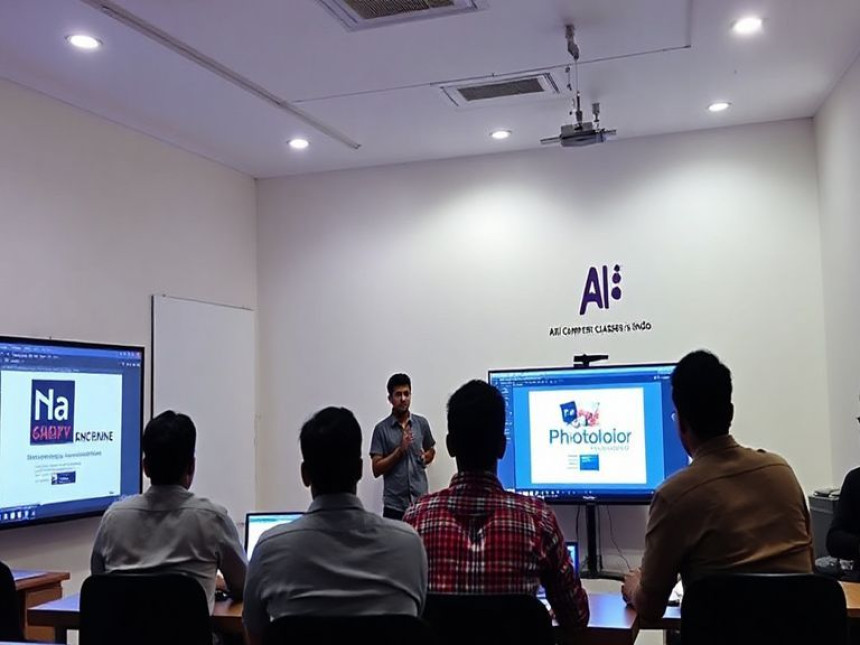

KeyStroke Alchemy: Transforming Beginners into Lightning-Fast Typing Wizards at AI Computer Classes
Learn typing from scratch at AI Computer Classes and become a fast, accurate, and professional typist. Improve speed, efficiency, and digital skills with AI-assisted training, hands-on exercises, certification, and career support.
KeyStroke Alchemy: Transforming Beginners into Lightning-Fast Typing Wizards at AI Computer ClassesIntroduction: Why Typing Is a Superpower in the Digital Era
In today’s fast-paced digital world, typing is no longer just a skill—it’s a superpower. Every email, report, blog, or digital communication requires typing. Fast and accurate typing saves time, increases productivity, and opens doors to online careers.
At AI Computer Classes, students start from zero and develop typing speed, accuracy, and efficiency through practical exercises and AI-powered learning tools. Whether you are a student, freelancer, or professional, mastering typing is the first step toward digital mastery.
Typing isn’t just about pressing keys—it’s about building muscle memory, focus, and digital fluency. With guided training at AI Computer Classes, anyone can go from being a beginner to a confident typist capable of professional-level typing tasks.
Typing is the act of entering text using a keyboard. In professional settings, it involves speed, accuracy, and efficiency.
Key benefits of mastering typing include:
- Enhanced Productivity: Finish work faster
- Digital Communication: Write emails, reports, and blogs efficiently
- Freelancing Opportunities: Data entry, content writing, transcription
- Academic Success: Submit assignments and research papers quickly
- Professional Growth: Essential for office jobs, programming, and digital careers
At AI Computer Classes, typing is taught through interactive exercises, real-world projects, and AI-based speed tests, ensuring students learn efficiently and effectively.
Typing is a universal skill suitable for:
- Students preparing for school or college assignments
- Job seekers needing office skills
- Freelancers working on data entry, transcription, or content creation
- Entrepreneurs handling emails, reports, and client communication
- Working professionals aiming to improve productivity
- Senior citizens and beginners learning digital literacy
No prior experience is needed — the course starts with basic finger placement and gradually advances to high-speed typing.
1. Touch Typing
- Typing without looking at the keyboard
- Using all fingers efficiently
- Maintaining posture and hand position
- Increasing typing speed naturally
- Proper finger placement on the keyboard
- Using the ASDF and JKL keys as anchors
- Reducing errors and improving efficiency
- Timed exercises
- Repetitive drills
- Accuracy-focused training
- AI-powered speed tests
- Reducing typos
- Developing muscle memory
- Proofreading while typing
- Maintaining a consistent rhythm
- Sitting correctly
- Avoiding strain injuries
- Maintaining comfort during long typing sessions
Students at AI Computer Classes learn typing with a combination of:
- Typing Tutor Software: Interactive drills and lessons
- Online Typing Platforms: Speed tests and competitions
- AI-Powered Typing Programs: Adaptive difficulty and personalized feedback
- Keyboard Shortcuts: Enhancing efficiency for MS Office, programming, and web work
- Personalized guidance and small batch sizes
- AI-assisted tracking of speed and accuracy
- Real-world exercises and data entry projects
- Hands-on practice with professional tools
- Certification upon completion
- Placement and career guidance
- Data Entry Operator
- Content Writer / Blogger
- Transcriptionist
- Virtual Assistant
- Freelancer on platforms like Upwork or Fiverr
- Administrative Assistant / Office Executive
- Fresher: ₹12,000 – ₹20,000/month
- Experienced: ₹25,000 – ₹50,000+/month
- Daily Typing Drills: Incrementally increasing difficulty
- Real-Time Tests: Speed and accuracy evaluation
- AI-Assisted Feedback: Personalized tips to improve
- Interactive Exercises: Data entry, article typing, coding snippets
- Leaderboard & Gamification: Motivating students to improve
Real-World Applications of Typing
Typing skills impact everyday life and professional settings:
- Writing emails efficiently
- Preparing documents and reports
- Transcribing audio/video content
- Blogging and content creation
- Programming and coding
- Handling online forms and data entry tasks
- 10-Finger Technique: Maximizing speed and reducing errors
- Advanced Keyboard Shortcuts: Enhancing efficiency in MS Office & web applications
- Typing for Programming: Writing code faster and more efficiently
- Typing for AI Tools: Efficient input for chatbots, scripts, and automation
- Customized Workflows: Combining typing speed with workflow productivity
Q1. How fast can I learn typing?
With consistent practice at AI Computer Classes, beginners can achieve 40–60 WPM in a few weeks and 80+ WPM with advanced practice.
Q2. Do I need prior computer knowledge?No, the course starts from the basics and builds up to professional typing.
Q3. Is certification provided?Yes, students receive professional certification recognized for office jobs and freelancing.
Q4. Can I do freelancing after learning typing?Absolutely, data entry, transcription, and content creation are all viable freelance careers.
- Experienced trainers focused on individual attention
- AI-assisted speed and accuracy tracking
- Real-world exercises and projects
- Certification and placement support
- Small batch sizes and personalized guidance
- Affordable fees with quality teaching
Typing is more than a skill—it’s a digital superpower. It increases productivity, enhances employability, and opens doors to online and offline careers.
At AI Computer Classes, students not only learn typing but also gain digital literacy, AI tool integration, and professional confidence.
Whether you are a student, freelancer, or professional, mastering typing will save time, improve efficiency, and prepare you for a modern digital world.


Quick Tutorial: Use RSI to Spot Overbought and Oversold Levels with Py...

Practical Guide: Use Chainlink for External Data Feeds — Advanced 148