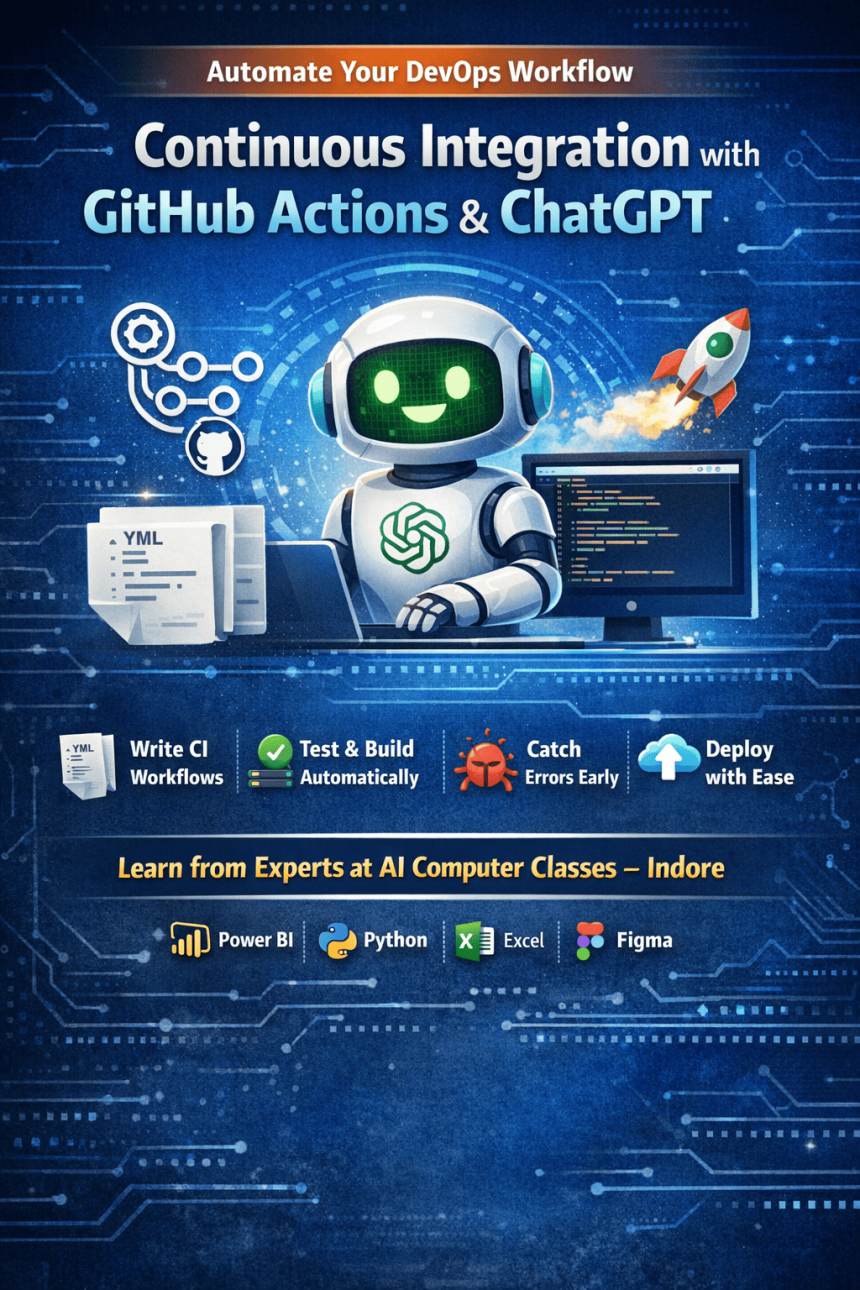

Step-by-Step CI/CD Setup with GitHub Actions and ChatGPT
Continuous Integration (CI) is a crucial practice in modern software development that automates testing, building, and deployment of code. This guide explains how to set up CI using GitHub Actions with the help of ChatGPT, making the process faster and easier. You’ll learn how to create workflows, automate tasks, and detect errors early in development. With practical examples and real-world use cases, this tutorial helps students and developers understand DevOps concepts efficiently. By combining AI tools and automation, you can improve productivity, reduce manual work, and build reliable applications suitable for industry standards in 2025 and beyond.
Tips & Tricks: Set Up Continuous Integration with GitHub Actions using ChatGPT. Get practical lessons and hands-on examples at AIComputerClasses in Indore to master programming & IT development skills quickly. This article from AIComputerClasses Indore breaks down tips & tricks: set up continuous integration with GitHub Actions using ChatGPT into actionable steps. Includes references to tools like ChatGPT, Power BI, Excel, Figma, or Python where appropriate. Follow practical exercises and tool-based examples to learn rapidly.
⚙️ Tips & Tricks: Set Up Continuous Integration with GitHub Actions using ChatGPT
In 2025, automation has become the backbone of every software development pipeline. Continuous Integration (CI) ensures that every code change is automatically tested, validated, and deployed—making development smoother and error-free. With GitHub Actions and ChatGPT, developers can now set up these workflows faster and smarter.
This blog from AI Computer Classes – Indore walks you through how to set up Continuous Integration (CI) using GitHub Actions with help from ChatGPT. Whether you’re a student learning DevOps or a developer building real-world applications, this guide will help you master CI in an interactive, AI-assisted way.
💡 Learn from Experts at AI Computer Classes – Indore!
Boost your career with hands-on courses in Programming, Python, and Cloud Automation.
👉 Join our latest batch now at AI Computer Classes
🚀 What is Continuous Integration (CI)?
Continuous Integration is a development practice where code changes from multiple contributors are automatically built and tested. Instead of waiting for manual approvals, every update is validated through automated workflows.
🔍 Benefits of CI:
- Early detection of bugs and issues
- Consistent build and deployment process
- Faster feedback loops for developers
- Seamless collaboration within teams
In simple terms, CI helps your team catch problems early—before they reach production.
🤖 Why Use GitHub Actions for CI?
GitHub Actions is a built-in CI/CD tool that allows you to automate everything right inside GitHub—no third-party tools needed.
⚙️ Key Features:
- YAML-based workflows (easy to edit and customize)
- Triggers for every code push or pull request
- Reusable jobs for testing, building, or deploying
- Integration with cloud providers like AWS, Azure, and GCP
For example, a basic CI workflow can automatically:
- Pull your code
- Install dependencies
- Run tests
- Deploy to production—within minutes
💬 How ChatGPT Simplifies GitHub Actions Setup
Setting up YAML workflows can feel intimidating—especially for beginners. That’s where ChatGPT comes in.
With ChatGPT, you can:
- Generate YAML workflow templates
- Debug configuration errors
- Get ready-to-use automation snippets
- Understand triggers, jobs, and conditions easily
Here’s a quick example:
name: Python CI Workflow
on: [push, pull_request]
jobs:
  build:
    runs-on: ubuntu-latest
    steps:
      - name: Checkout repository
        uses: actions/checkout@v3
      - name: Set up Python
        uses: actions/setup-python@v4
        with:
          python-version: "3.10"
      - name: Install dependencies
        run: pip install -r requirements.txt
      - name: Run tests
        run: pytest
You can simply ask ChatGPT:
“Generate a GitHub Actions workflow for my Python project that runs tests automatically.”
And it will generate something like the above—saving hours of trial and error!
🧠 Step-by-Step: Set Up Continuous Integration with GitHub Actions
Let’s break it down into easy steps you can follow:
1. Create a Repository
Start by creating or opening your GitHub repository. Ensure your code is clean and structured.
2. Add a Workflow File
In your repo, create a folder:
.github/workflows/main.yml
3. Define Your Workflow
Use ChatGPT to generate your YAML template based on your project’s needs—Python, Node.js, or even Docker.
4. Commit & Push
Every time you push code, GitHub automatically runs your workflow.
5. Check CI Logs
Go to the Actions tab in GitHub. You’ll see every job running in real-time—green means success, red means failed builds.
🧩 Example Use Case: Flask App Deployment
Imagine you’ve built a Flask web app. Using CI with GitHub Actions:
- Automatically run unit tests on every commit
- Build Docker images
- Deploy to a VPS or cloud service
This ensures your app is always up-to-date and bug-free.
💡 Pro Tip: Use ChatGPT to optimize Docker build commands or fix CI errors—it understands your configuration files in seconds.
🧰 Tools You Can Combine with CI
Integrating multiple tools makes your CI pipeline powerful:
- Power BI or Excel for data validation reports
- Figma for auto-updating design assets
- Python scripts for automated data testing
- Slack or Discord notifications for deployment alerts
GitHub Actions supports all of these through ready-made community actions.
🌐 Real-World Impact: Why Developers Love CI
Continuous Integration isn’t just for large companies—students and freelancers use it to:
- Maintain professional project standards
- Build client trust through automation
- Learn DevOps principles early
When you learn CI at AI Computer Classes – Indore, you’re not just learning automation—you’re preparing for the next generation of software engineering.
🔥 Career Growth with CI & GitHub Actions
By mastering CI, you gain a crucial edge in the IT industry. Recruiters value developers who understand automation tools and pipelines.
💼 Skills You’ll Gain:
- Workflow automation
- Version control with Git & GitHub
- Cloud deployment pipelines
- Error handling & testing integration
🚀 Every project you automate adds to your portfolio and professional credibility.
🎯 Learn CI/CD Hands-On at AI Computer Classes – Indore
💡 Learn from Experts at AI Computer Classes – Indore!
Master Continuous Integration, ChatGPT automation, Python, and DevOps workflows through live, practical sessions.
👉 Join our latest batch now at AI Computer Classes
Our instructors help you:
- Build live CI/CD projects
- Learn YAML syntax and GitHub secrets
- Integrate with cloud services
- Automate your deployment pipeline
📘 Perfect for students, developers, and professionals looking to boost their productivity and code reliability.
✨ Conclusion: Automate Smarter with ChatGPT + GitHub Actions
In today’s fast-paced tech world, automation is not optional—it’s essential. With GitHub Actions and ChatGPT, you can build intelligent workflows that save time, reduce errors, and streamline deployment.
Start today—experiment, automate, and grow.
Every step you take in automation brings you closer to becoming a professional developer ready for 2025 and beyond.
📞 Contact AI Computer Classes – Indore
✉ Email: hello@aicomputerclasses.com
📱 Phone: +91 91113 33255
📍 Address: 208, Captain CS Naidu Building, near Greater Kailash Road, opposite School of Excellence For Eye, Opposite Grotto Arcade, Old Palasia, Indore, Madhya Pradesh 452018
🌐 Website: www.aicomputerclasses.com

Tips & Tricks: Create a Simple Trading Plan for Beginners with Power B...

Typing Mastery 2026 – Learn Touch Typing, Boost Speed & Accuracy, Buil...
Design Brand Logos with Illustrator Basics — Essentials using ChatGPT
Design Brand Logos with Illustrator Basics — Essentials using ChatGPT. Get practical lesso...