
Build Strong Computer Foundations with Practical Basic Skills
Build Strong Computer Foundations with Practical Basic Skills
Digital Literacy Starts Here: Master Basic Computer Skills for a Smarter & Confident FutureIntroductionIn today’s fast-moving digital world, computers are no longer optional tools—they are essential life skills. From education and employment to communication and everyday tasks, computers quietly power almost everything we do. Yet many people still feel uncomfortable, confused, or dependent when it comes to using a computer. This gap doesn’t come from a lack of intelligence; it comes from a lack of proper foundational learning.
Basic computer education is not about becoming a technical expert. It is about developing confidence, clarity, and control while using digital tools. When the basics are strong, technology becomes empowering instead of intimidating. This is exactly why learning computers the right way matters.
At AI Computer Classes, Indore, the Basic Computer course is designed to help learners move from hesitation to confidence, from confusion to clarity, and from dependency to independence. This blog explores how mastering basic computer skills can transform the way you learn, work, and grow in a digital-first world.
Every online form you fill out, every email you send, every document you create depends on basic computer knowledge. Without these skills, even simple tasks feel stressful and time-consuming. With them, life becomes smoother, faster, and more productive.
Basic computer literacy helps you:
- Communicate professionally
- Access information confidently
- Manage digital documents
- Improve employability
- Adapt to new technologies easily
Instead of fearing technology, you start using it as a tool to grow.
Many beginners believe computers are complicated machines meant only for experts. In reality, computers are logical systems designed to make human work easier. Once you understand how they function, everything starts to make sense.
A structured Basic Computer course focuses on:
- Clear explanations
- Practical demonstrations
- Everyday use cases
- Step-by-step learning
This approach removes fear and builds comfort naturally.
The journey begins with understanding what a computer actually is and how it works.
Learners gain clarity about:
- What a computer does
- Difference between hardware and software
- CPU, memory, storage, and peripherals
- Input and output devices
- How data is processed and stored
Instead of memorizing definitions, students understand concepts through real examples, making learning easier and long-lasting.
The operating system is where all daily computer work happens. This module focuses on practical control and confidence.
Students learn how to:
- Navigate the desktop
- Create and manage files and folders
- Organize data efficiently
- Use keyboard shortcuts
- Handle system settings safely
Once this stage is mastered, learners stop feeling lost while using a computer.
Document creation is one of the most important computer skills. Whether it’s a resume, letter, or application, presentation matters.
This section focuses on:
- Typing and formatting text
- Page setup and alignment
- Creating professional resumes
- Writing official letters
- Using tables and layouts
- Preparing documents for printing
These skills are essential for students, job seekers, and office professionals.
Spreadsheets help manage information clearly and accurately. Instead of fearing numbers, learners understand structure and logic.
Training includes:
- Data entry techniques
- Rows, columns, and cells
- Simple calculations
- Organizing information
- Maintaining accuracy
These skills improve efficiency and reduce mistakes in daily work.
Presentations are not just for offices—they are tools for expressing ideas effectively.
Students learn:
- Slide structure and flow
- Content placement
- Visual balance
- Text and image combination
- Simple transitions and animations
This builds confidence in public speaking, meetings, and academic presentations.
The internet is powerful, but only when used wisely.
Learners develop skills in:
- Effective online searching
- Identifying trustworthy information
- Filling online forms
- Uploading and downloading files
- Using cloud services
The focus is on smart, productive, and safe internet usage.
Email remains a core communication tool in education and professional life.
Students learn:
- Creating and managing email accounts
- Writing clear and professional emails
- Attaching documents properly
- Managing inbox efficiently
- Understanding email etiquette
These skills help build a professional digital identity.
Knowing how to stay safe online is as important as knowing how to use a computer.
This module covers:
- Cybersecurity basics
- Safe password practices
- Avoiding online fraud
- Virus and malware awareness
- Responsible data handling
Learners become aware, cautious, and confident digital citizens.
This course is ideal for:
- Students preparing for higher education
- Job seekers entering the workforce
- Office beginners
- Business owners
- Homemakers restarting careers
- Anyone uncomfortable with computers
No age barrier. No prior experience required.
Basic computer skills open doors to:
- Better job opportunities
- Workplace confidence
- Faster task completion
- Easier learning of advanced technologies
- Independent digital living
These skills are not temporary—they stay relevant throughout life.
AI Computer Classes focus on practical learning, not shortcuts.
What makes it different:
- Experienced trainers
- Beginner-friendly teaching
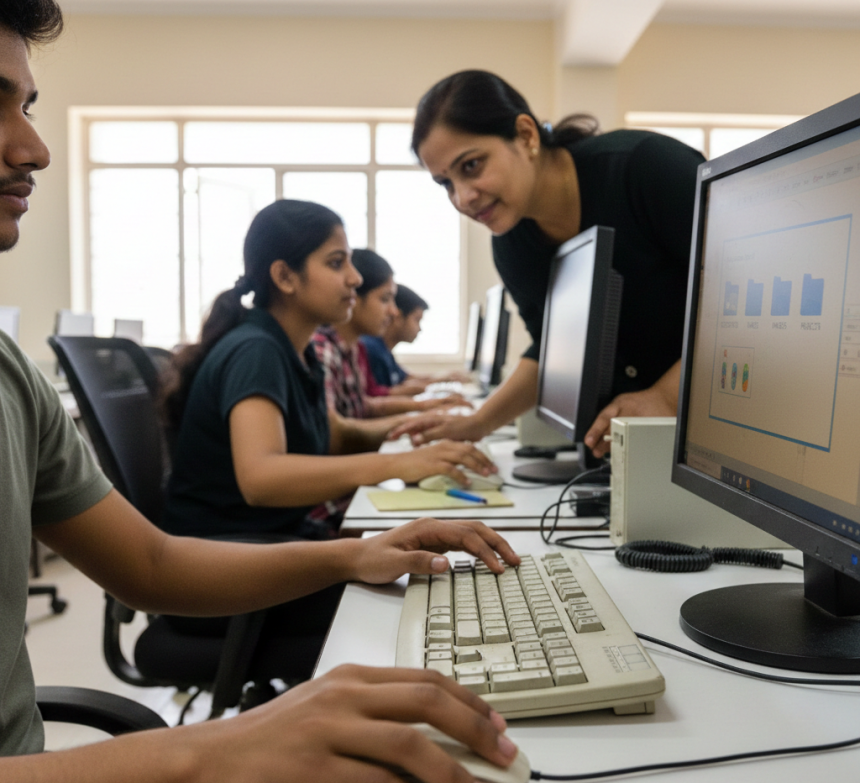
- Hands-on practice
- Updated curriculum
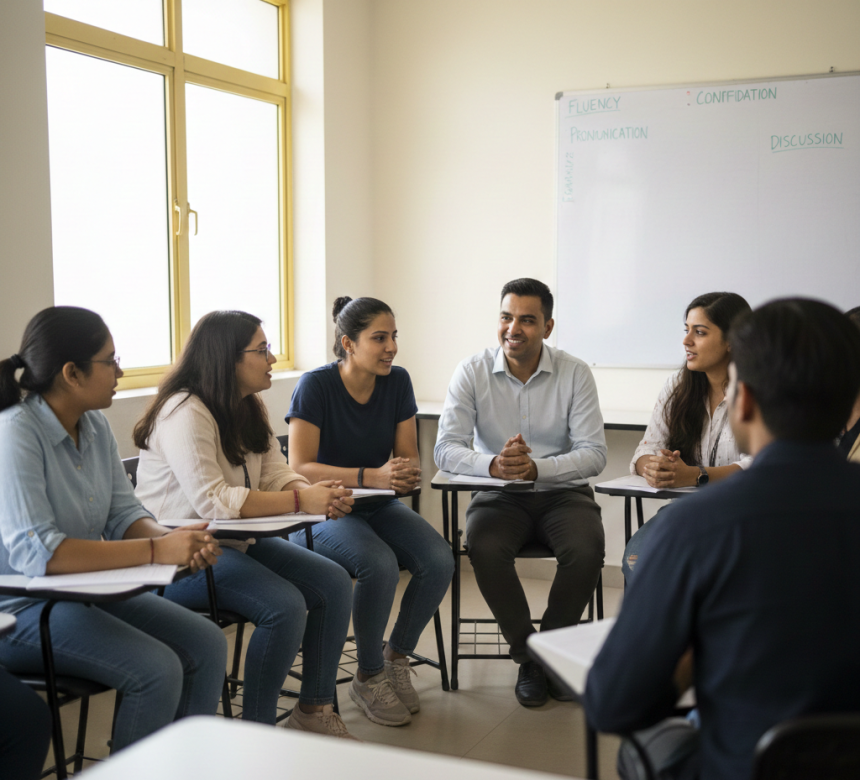
- Supportive learning environment
Students don’t just learn computers—they learn confidence.
Teaching focuses on:
- Step-by-step explanations
- Real-world examples
- Continuous practice
- Individual guidance
- Skill-oriented learning
The goal is independence, not memorization.
📍 Address:
208, Captain C.S. Naidu Building,
Near Greater Kailash Road,
Opposite School of Excellence for Eye
Opposite Grotto Arcade,
Old Palasia, Indore,
Madhya Pradesh – 452018
📞 Phone: +91 91113 33255
✉ Email: hello@aicomputerclasses.com
🌐 Website: www.aicomputerclasses.com
🎨 Design Product Labels and Stickers — Quick Tutorial
Design Product Labels and Stickers — Quick Tutorial. Get practical lessons and hands-on ex...